Manage game access, betting limits and steps, billing plans, wallet integration, policies, and API keys per operator.
Bazzium Admin
The operating layer behind your Bazzium game portfolio
Give your teams one controlled workspace to configure games, betting, wallet connections, and the operational rules that support every release.
Bazzium Admin connects portfolio configuration with live operational visibility, so teams can set up an operator, follow gameplay activity, and investigate the exact records behind an issue.
Built for the people running the portfolio
Configuration and evidence in the same operational view
Bazzium Admin keeps the controls used to prepare an operator close to the records used to support them after launch. It is not a separate analytics layer bolted onto the games; it is part of how the portfolio is configured and operated.
Operational workspace
One operator workspace, from setup to session review
The admin platform is the practical control plane behind the games: configure what an operator can run, then follow the session, round, wallet, and audit records that matter after launch.
Review game sessions, rounds, debits, credits, and transaction outcomes with the operator and game context attached.
Use configuration history, audit events, request and response traces, reconciliation, and settlement records to resolve issues.
Configure each operator with intent
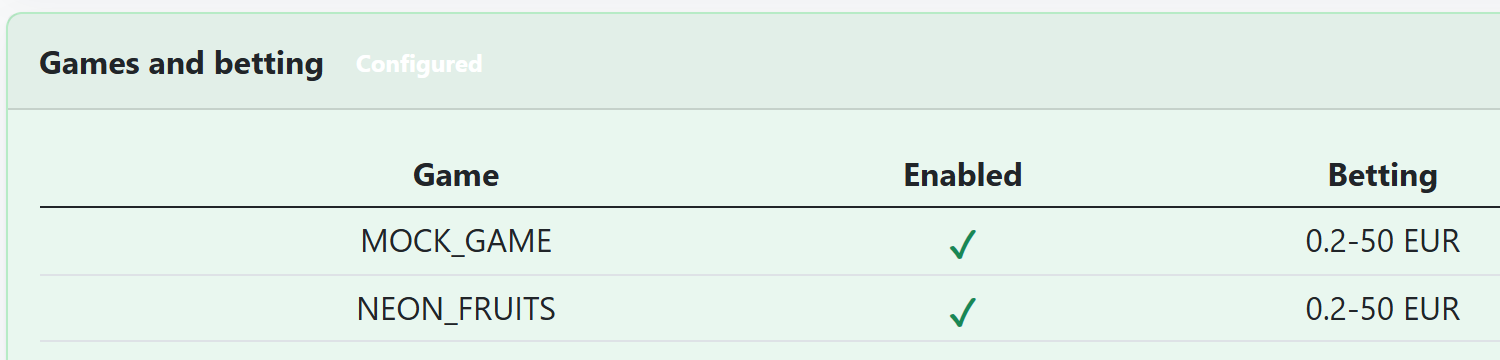
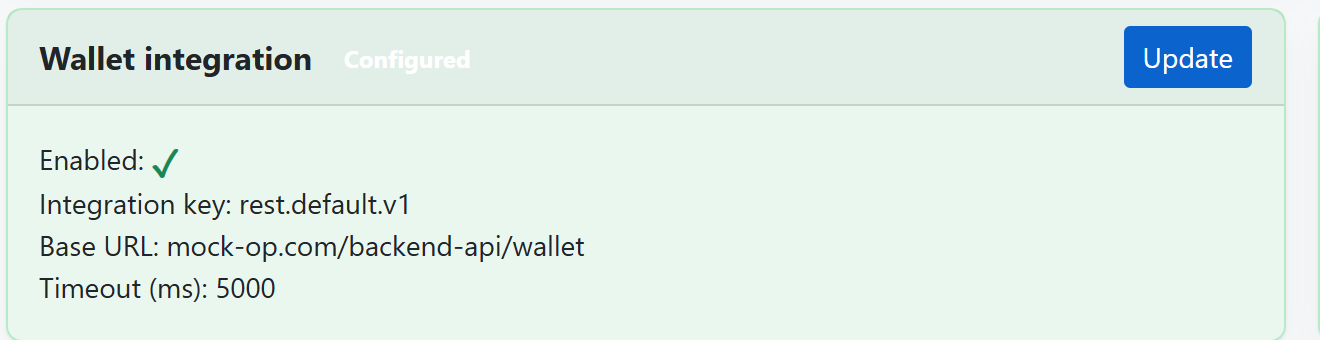
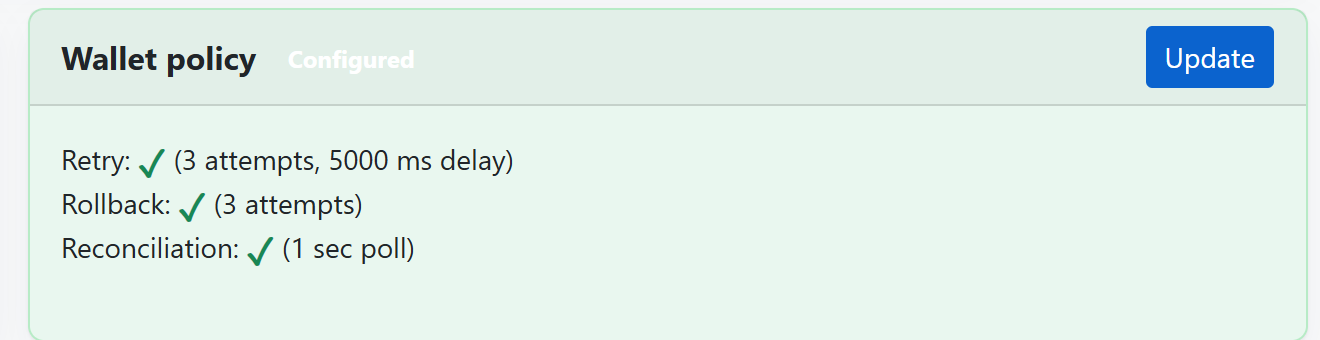
Enable individual games, set betting ranges and steps, assign billing plans, connect the operator wallet, define retry and rollback rules, and manage API-key access.
Follow gameplay beyond a dashboard total
Drill from a game session into the rounds and wallet actions beneath it, with status, currency, timestamps, correlation IDs, bets, and wins available for review.
Keep operational changes accountable
Role-gated changes include previews and configuration history, while audit and API request/response traces give support teams the context to investigate safely.
- 1
Create and configure the operator profile.
- 2
Enable the required games and set betting and wallet policies.
- 3
Validate the integration and controlled rollout.
- 4
Monitor sessions, resolve exceptions, and retain a clear audit trail.
Checklist
What operations teams can manage in Bazzium Admin
Practical checks an operator team can use before committing integration time.
- Operator profile, lifecycle, onboarding state, and default currency.
- Game entitlements plus per-game betting limits, steps, and currency.
- Wallet integration settings, timeout behavior, retry, rollback, and reconciliation policy.
- API-key rotation and revocation, with controlled overlap where required.
- Sessions, rounds, wallet actions, reconciliation jobs, settlements, and CSV exports.
- Auditable configuration history and searchable API request and response records.